|
Tours > Voxeo Designer Tour
Voxeo Designer is Voxeo's new easy-to-use, web-based, graphical speech / VoIP / IVR application creation tool.
Designer significantly reduces the time and complexity associated with VoiceXML application development.
To get started with Voxeo Designer now, simply log into your Evolution account and select
the new "Voxeo Designer" icon, or just
launch Voxeo Designer here.
If you have any questions, comments, suggestions, or problems with Voxeo Designer, please
post in the
Voxeo Designer support forum.
Following is a quick tour of Voxeo Designer's features:
Call Flow
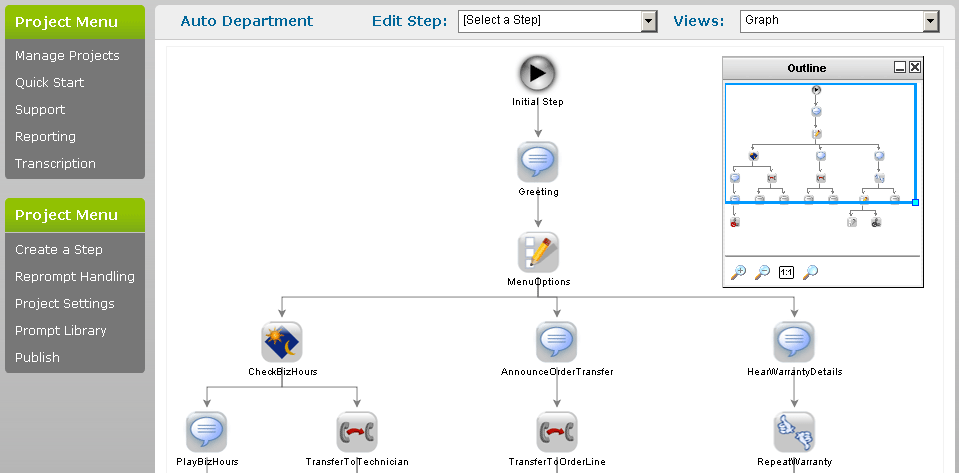
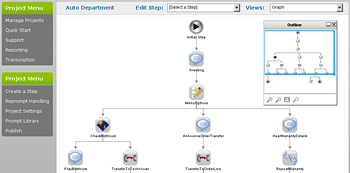
Designer displays your application as a simple flow-chart of various "steps" in the
application flow. Each of these represents a specific announcement, input, transfer,
or decision logic / integration "component" or step in the application. You can
add new steps from the left menu, and edit existing steps either
by clicking on them in the flow-chart view.
|
 |
|
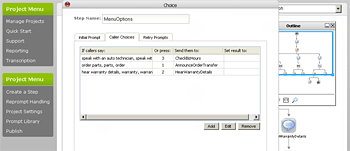
Sample step: Choice
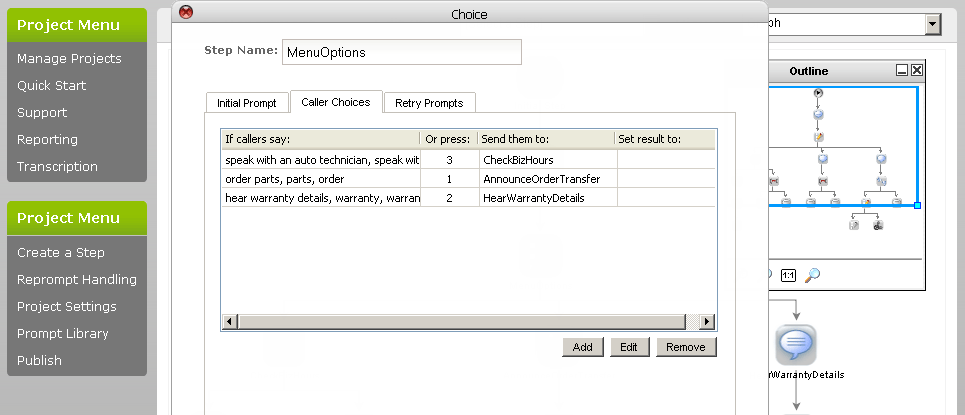
The choice "step" allows you to prompt the user to select one of a list
of options. You can then branch to other steps in the application
based on the response from the user. Responses can include either
spoken words or touch-tone phone input. You can also define a set
of rules to handle errors, such as re-prompting the user
if they say nothing or select an option that is not available.
|
 |
|
Errors
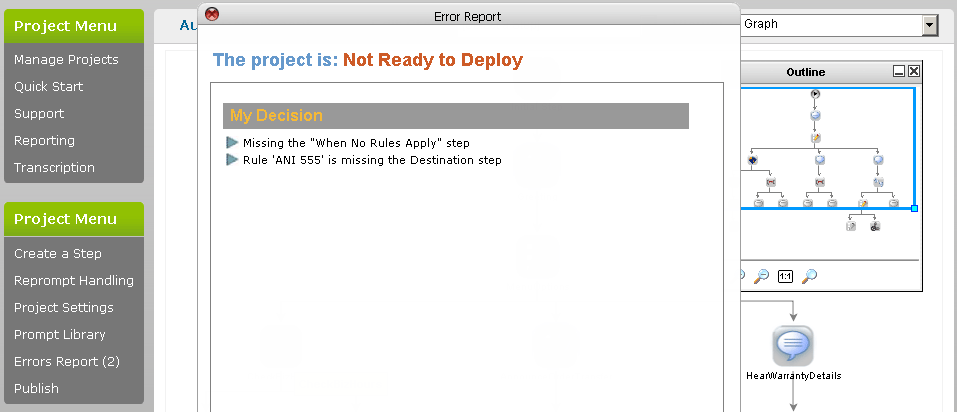
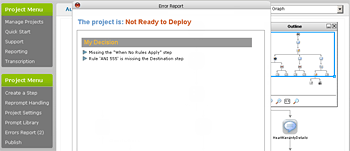
Voxeo Designer automatically keeps track of any design errors
or incomplete steps in your application. To view a detailed list of your errors, click
the "Errors Report" button.
|
 |
|
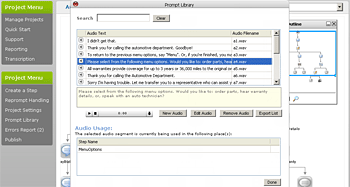
Prompt Library
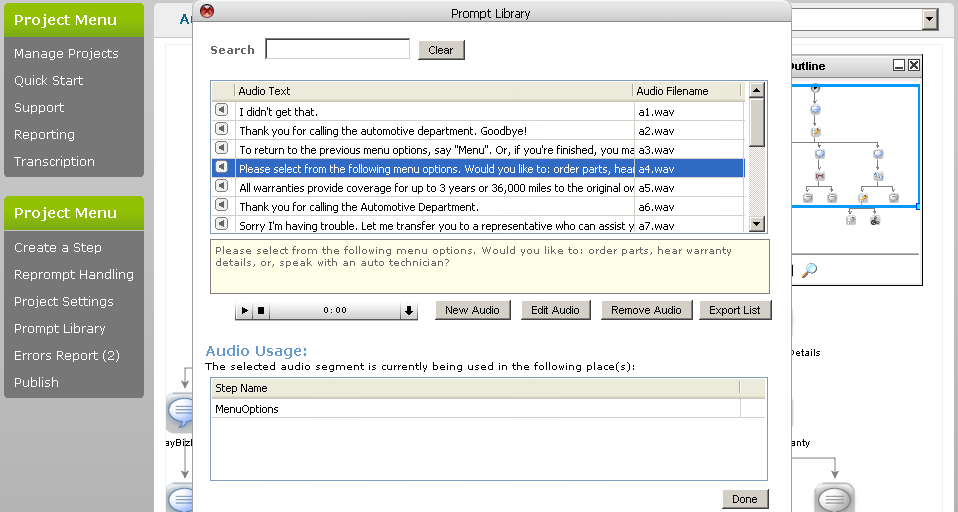
Designer also keeps track of all of the announcements
or audio prompts you create and use in your application.
The "Prompt Library" button shows you each
audio announcement piece or "audio text" you have used
in one convenient location. The audio prompt list
can also be downloaded as a spreadsheet. You can use
this spreadsheet as a script to get your prompts
recorded by professional voice talent such as
The Great Voice Company.
|
 |
|
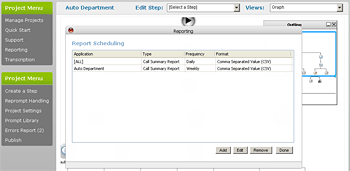
Reports
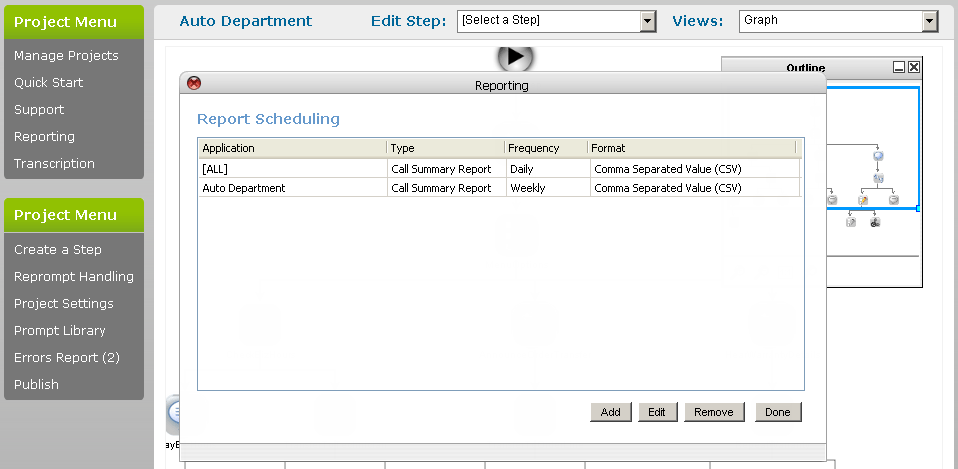
Finally, the reports section of Voxeo Designer lets you define
query-based reports that can be automatically emailed to you
at regularly scheduled intervals. These reports can be sent
in text, html, XML, or CSV format, and can include information
about calls and detailed steps that have been used in your
deployed application.
|
 |
|